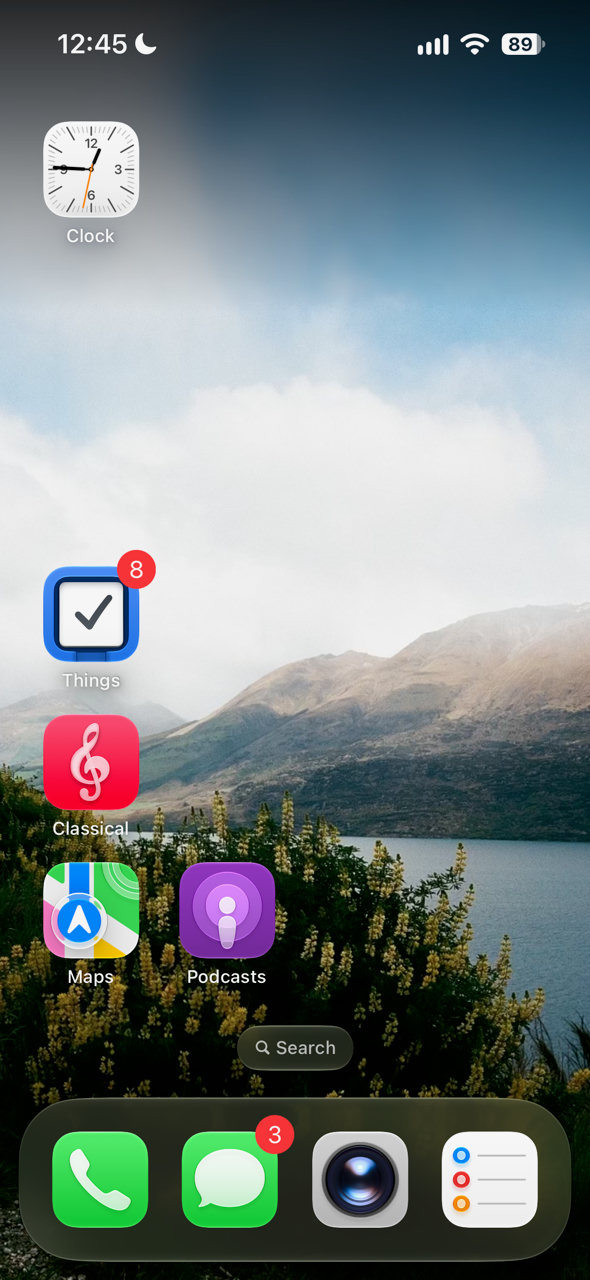
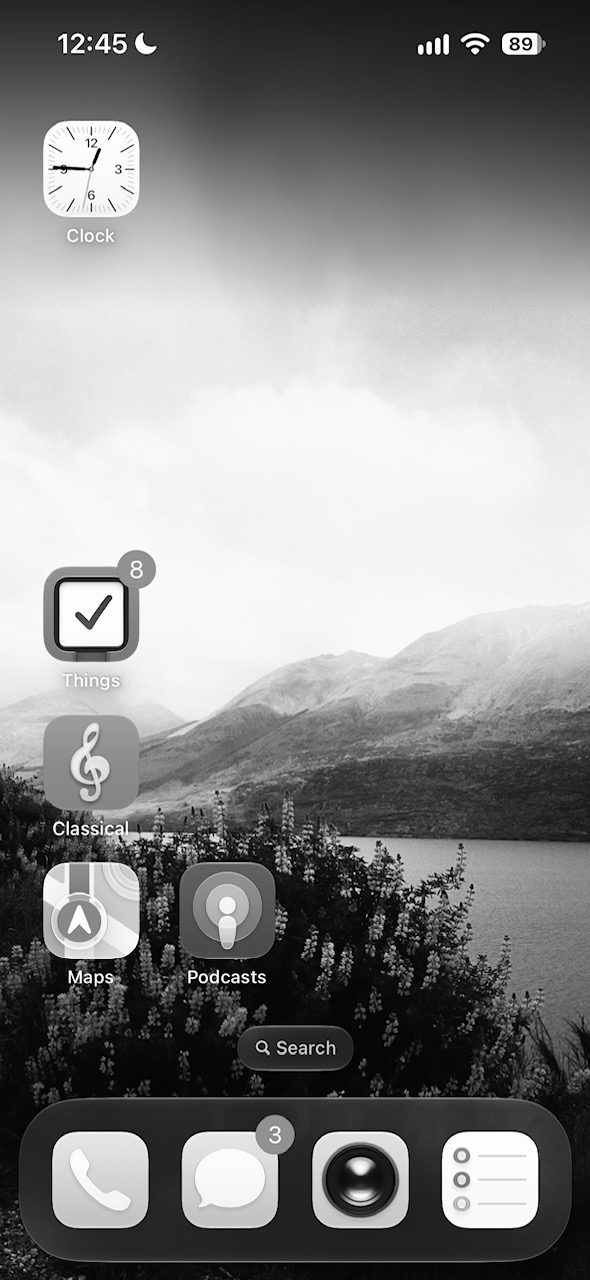
A simple way to make your phone less alluring
I keep my iPhone display in grayscale—it makes everything dull and less alluring1.
The problem is that sometimes I really do want color, like when I’m viewing or editing photos, or looking at driving directions.
This is the simple setup I use to temporarily enable color.
A shortcut to toggle grayscale on and off. On iPhone, go to Settings → Accessibility → Accessibility Shortcut. Enable Color Filters. Now triple-click your side button to toggle grayscale on and off.
An automation to re-enable grayscale every morning. Sometimes I forget to toggle grayscale back on. So I make this automatic using a Shortcut.
- Open the Shortcuts app and create a new shortcut.
- If you have the new (as of 2026) Siri with enhanced AI, you can just ask: “Turn on color filters at 5 am every day”. Otherwise, install this shortcut.